Live chat for your website, answered by AI and real people
txt.me puts live chat for your website in one inbox with WhatsApp, email and SMS. An AI agent answers the routine questions from your own knowledge base, and a person on your team, or one of our Human Backup operators, takes over when a customer needs judgment.
Free for 1 agent with unlimited chats. No credit card.
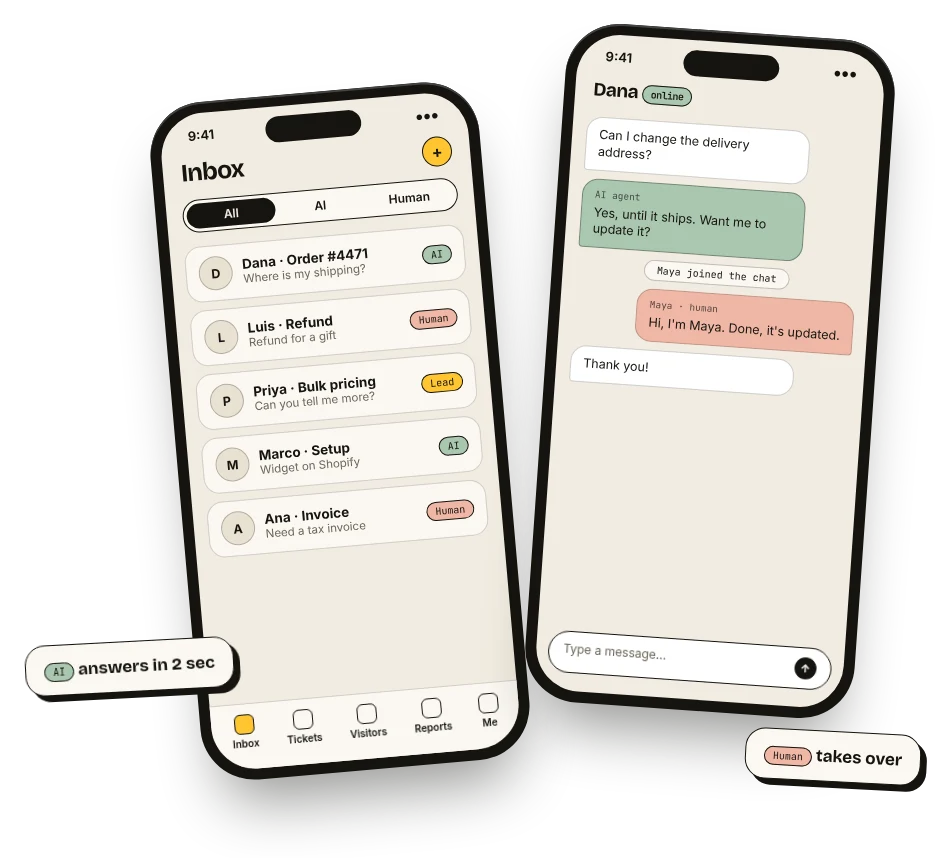
- Visitor asks
- AI answers from your help center
- Human takes over
- Ticket solved
Six tools, one inbox
Shared inbox
Chat, WhatsApp, email and SMS in one thread.
AI agent
Answers instantly from your own knowledge base.
Human Backup
Real people step in the moment it matters.
Helpdesk tickets
Turn chats into tickets and keep customers happy.
Review requests
Ask for honest ratings right after a chat ends.
Lead capture
Turn conversations into qualified leads.
Live chat for your website that knows when to hand over
Most chat tools make you choose. A bot answers instantly but gets stuck on anything unusual. A person handles anything but isn't online at 2 a.m. txt.me runs both on the same conversation, so the fast answer and the careful answer come from one place.
AI agent on your own answers
The AI agent replies from the knowledge base you approve: your FAQ, policies, shipping times and product pages. If the answer isn't there, it says so and brings in a person rather than guessing.
A human takes over with context
Refunds, complaints, account changes and "can I talk to someone?" go to a person. The agent who picks up sees the whole thread, so your customer never starts over.
One inbox for every channel
Website chat, WhatsApp, email and SMS land in the same conversation. A visitor can close the browser and reply by email tomorrow, and it's still one thread.
Set up a chat box that looks like your brand
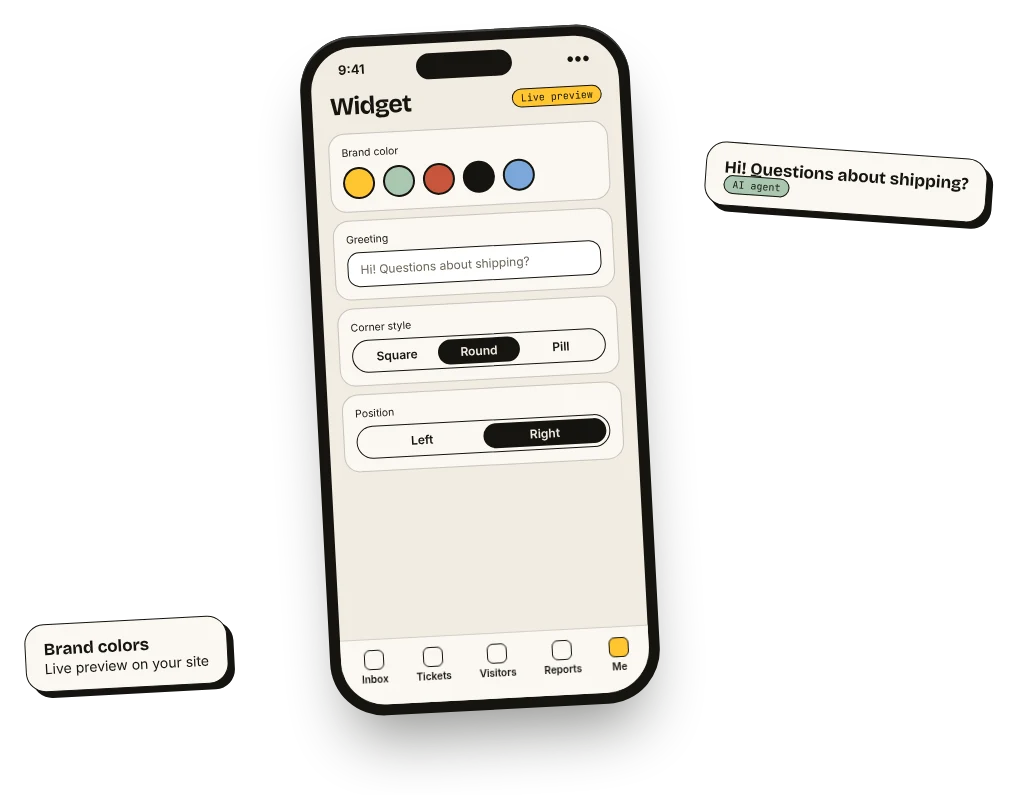
The widget takes about five minutes to install. Change the colors, corner style, button position and greeting text in a live editor and watch the changes on your site as you make them.
- Greeting forms ask for a name, email or phone number before or during the chat.
- Multilingual widget shows the interface in your visitor's language.
- Agent photos put a real face next to each reply, which tends to get more people to write.
- Triggers start the conversation on the pages where people hesitate, such as pricing or checkout.
- In-chat reviews let customers rate the conversation the moment it ends.
Everything a small support team needs in one place
Callback requests
Visitors can ask for a phone call from inside the chat. You get a phone number lead even when nobody is free to talk right now.
WhatsApp chat
Customers can move the conversation to WhatsApp and keep it going from their phone. You answer from the same txt.me inbox.
Offline follow-up
If the visitor leaves, you can keep the conversation going by email or WhatsApp. The reply lands in the original thread.
Email in the same thread
Connect your support address and incoming emails join existing conversations. Agents don't switch between a mail client and a chat tool.
Attachments and screenshots
Customers and agents can share files, photos and documents on any channel. Visitors can also send a screenshot of the page they're stuck on.
Helpdesk tickets
Turn a chat into a ticket in one click when the answer needs more time. Read about helpdesk ticketing.
Real people on your chat when your team is off the clock
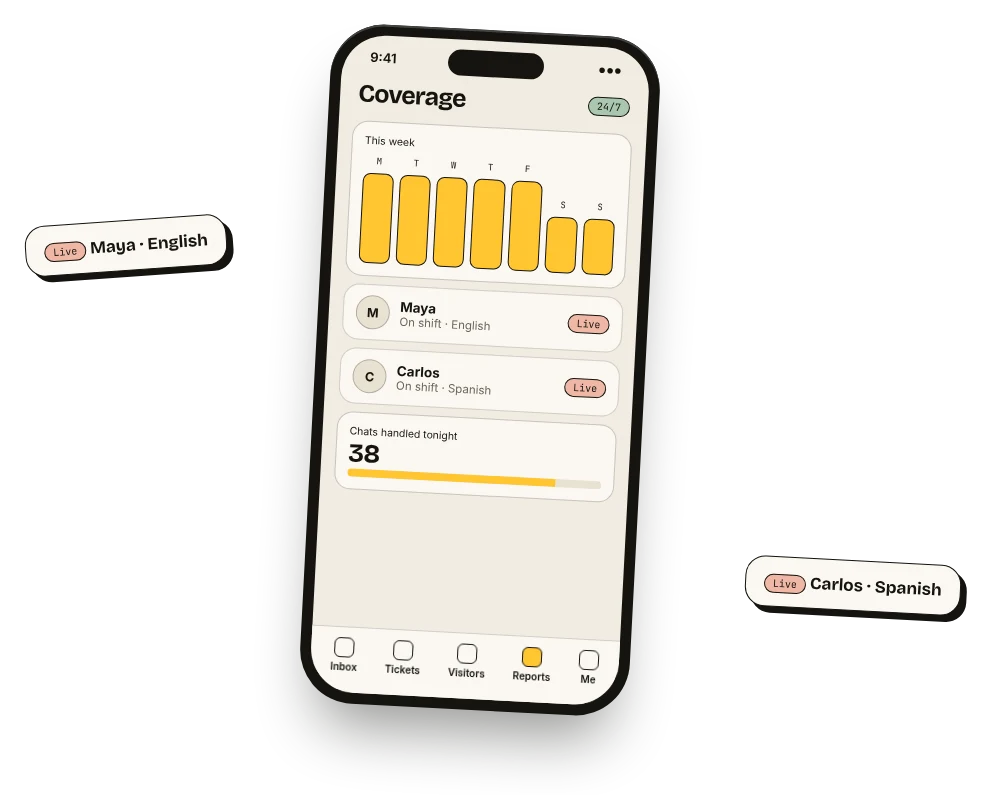
Chats don't stop at 6 p.m. With Human Backup, trained operators answer your website chat in English and Spanish on the schedule you choose. They learn your business from your knowledge base and from every conversation, and they create a ticket for your team whenever a question needs your decision.
Plans start at 40 hours a week and go up to 24/7 coverage, billed by the hour with a 7-day free trial.
Tickets for the questions a chat can't finish
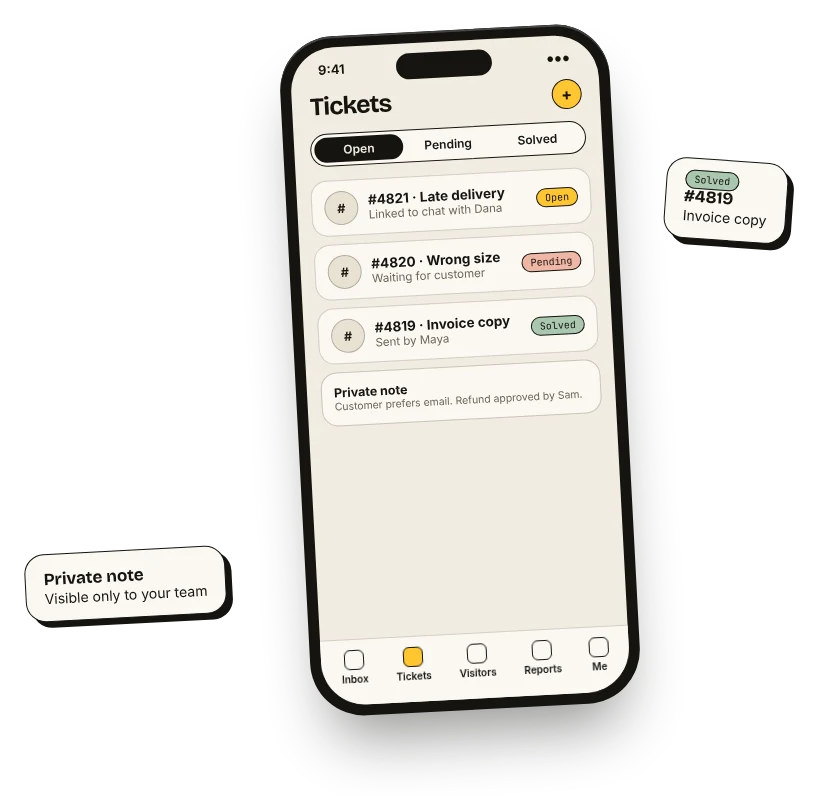
Some problems take a day. Ticketing keeps them from getting lost: each ticket links to the original chat, and the customer can click the ticket ID to follow it.
- Universal mailbox for chat, email and WhatsApp tickets
- Hybrid ticket flows that pass work between agents and managers
- Clickable ticket IDs customers can use to check progress
- Tags and filters to find related issues
- Private notes visible only to your team
Answer chats from wherever you are
Use txt.me in the browser or download the apps for macOS, Windows, iPhone and Android. Notifications reach your phone, and chats, emails and WhatsApp messages arrive in a single app, so the conversation follows you from your desk to the train.
Free
- Unlimited chats and visitors
- Customizable chat widget
- Greeting and offline forms
- Agent photos and multilingual widget
- Apps for macOS, Windows, iPhone and Android
Pro
- Everything in Free, for unlimited agents
- AI Agent trained on your knowledge base
- Triggers and proactive messages
- Helpdesk ticketing and shared inbox
- WhatsApp and email in one thread
- Reviews collector and lead forms
Business
- Everything in Pro
- SMS conversations
- REST API and webhooks
- Higher AI conversation allowance
- Priority support
Ten years in the chat window
A decade of helping businesses talk to their customers, one conversation at a time.
Practical guides on chat, AI and support operations
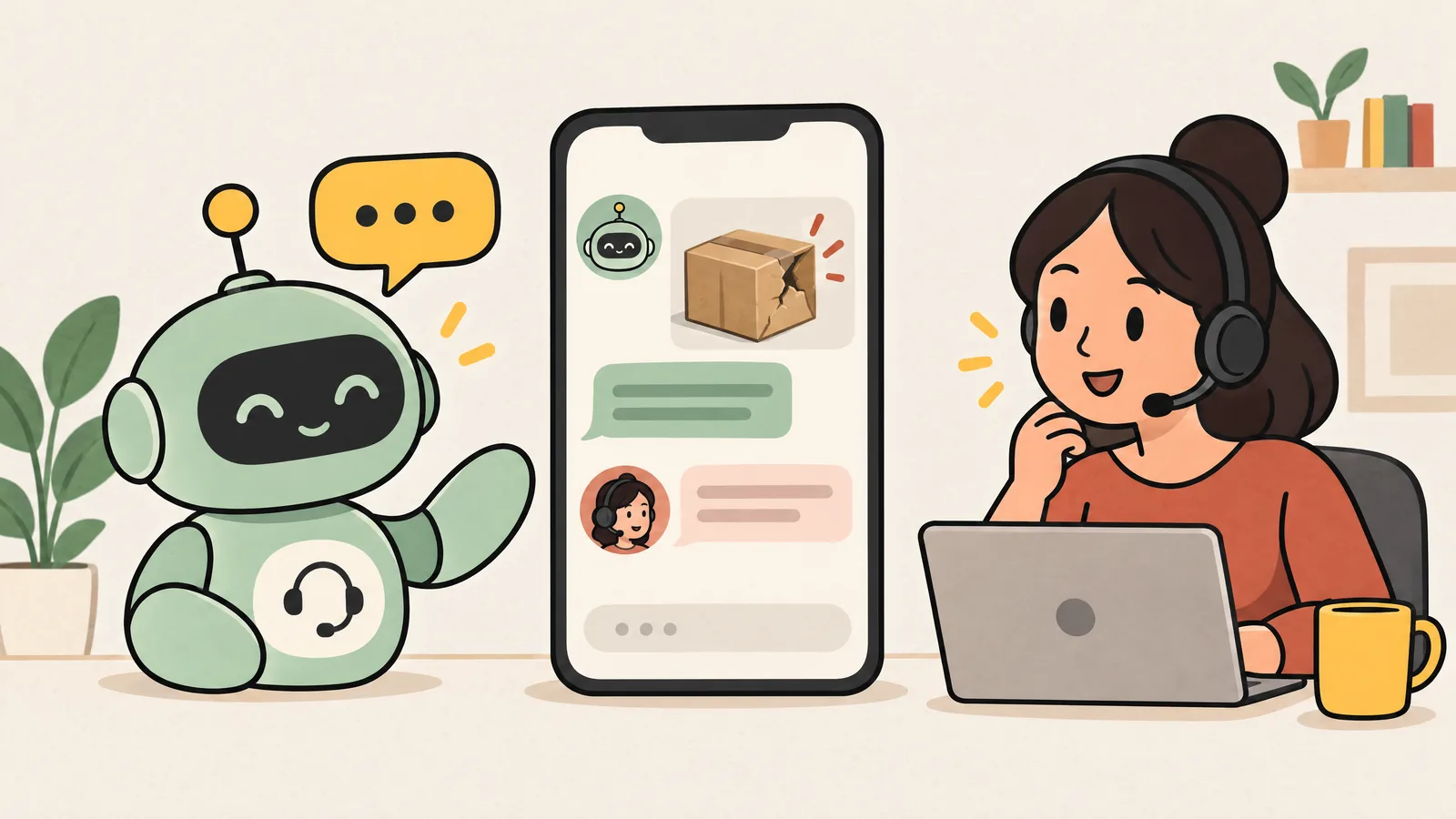
AI Agent for Customer Service: A Practical Buying Guide
A practical guide to choosing a support AI, defining its permissions, testing its answers, and measuring resolved problems rather than closed chats.

Customer service automation that solves the right problems
A practical guide to automating routine support, setting limits on AI actions, and measuring solved problems without making human help harder to reach.

Chatbot Script: Practical Templates and Handoff Rules
Plan useful bot conversations with ready-to-adapt messages, a damaged-order example, and clear rules for passing customers to a person.
Frequently asked questions
Is txt.me live chat for website really free?
When does the AI agent hand a chat to a person?
How do I add live chat to my website?
Can someone answer my chats when my team is offline?
Where can I answer chats from?
Put an AI agent and a real person on your website chat
Start free with one agent and unlimited chats. Add the AI agent, WhatsApp, email and Human Backup operators when you need them.